
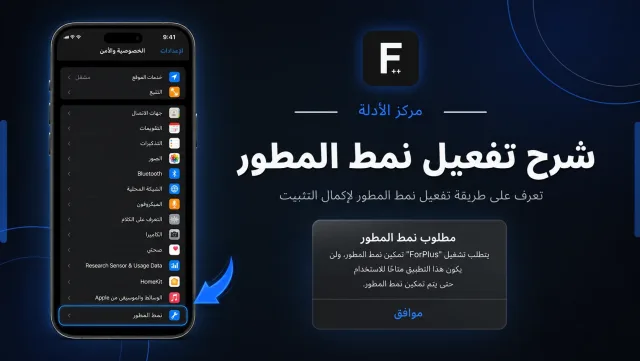
How do you enable Developer Mode on iPhone?
If your iPhone asks you to enable Developer Mode, turn it on in Settings and return to the installation page.
Enable Developer Mode in Settings

- 1
Open Settings
Open Settings and scroll to Privacy & Security.
- 2
Open Developer Mode
Scroll to the bottom and tap Developer Mode.
- 3
Turn it on and restart
Turn on the switch, then tap Restart. When your iPhone restarts, tap Turn On in the confirmation prompt and enter your passcode if asked.
- 4
Continue installation
Open Safari, return to ForPlus, and tap Install or Download again.